Surabaya Interior Design: Meeting Rooms with Clear Audio and Video
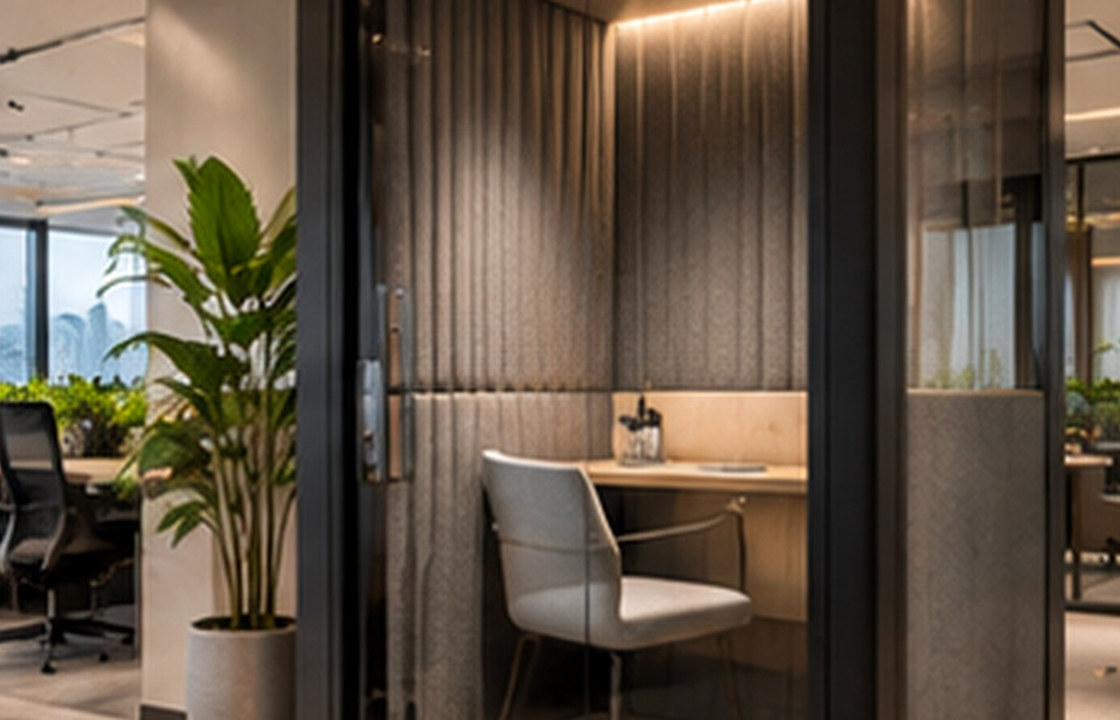
Conceptual editorial photograph. Not a documented SATU client project.
A meeting room fails when remote participants cannot hear, see or contribute comfortably. The practical approach is to review the real site, test daily use, resolve materials and services, and document decisions before procurement or construction.
Key takeaways
- Design the room and AV together
- Focus on speech intelligibility
- Avoid backlit camera positions
- Test with real remote users
Start with the real site and brief
A meeting room fails when remote participants cannot hear, see or contribute comfortably. In a Surabaya headquarters, furniture arrangement, acoustic control, screen position and lighting should be designed together. Technology cannot fully correct a room where voices echo or daylight makes faces appear as silhouettes.
Workplaces perform through a combination of people, technology and operating rules. Interior planning should be tested against the actual mix of focused tasks, collaboration, visitor movement and facilities support. Decisions about seats and rooms are useful only when the organisation can operate and maintain them.
Plan the space before the finishes
Start with the meeting types: executive decisions, workshops, client presentations or hybrid check-ins. Choose table shape and camera positions so people can see one another as well as the display. Avoid putting the camera directly in front of a bright window or far from the people speaking.
A plan should be discussed as a sequence of everyday activities, not only as a static drawing. Before approving it, ask what the user will be carrying, where doors and drawers will open, and which paths become crowded at the busiest time. A simple on-site walk-through or full-size mock-up often exposes conflicts earlier than a polished rendering.
Make material choices work long term
Use controlled background noise, appropriate room absorption and door privacy for intelligibility. Consider accessible connection points, power, spare cables and a simple user interface. Lighting should illuminate faces without reflecting off screens or polished table finishes.
For every proposed finish or fixture, compare appearance with cleaning, access, replaceability and exposure to heat or moisture. A durable detail is one the operator can maintain after handover; a specification is incomplete if it identifies the colour but not the construction, junctions or upkeep.
Coordinate the detailed decisions
IT, audio-visual and interior teams should review equipment specifications before ceiling and joinery works are fixed. Confirm cable routes, ventilation for equipment and how support staff will access controls. Test the actual system before handover with people both in the room and joining remotely.
Leasing terms, building-management conditions, life-safety provisions and accessibility requirements vary by premises. Get the appropriate landlord and specialist confirmations before construction, rather than assuming a concept plan grants permission.
A realistic design scenario
A long boardroom table may look impressive but place the furthest participants too far from a basic webcam. Reconsidering table length, camera coverage and microphone pick-up can improve usability more than increasing the size of the display alone.
Use the scenario as a test rather than a prescribed answer. Compare at least two workable alternatives and write down what each changes: movement, daylight, privacy, material cost, cleaning effort and future adaptability. That makes the final decision easier to explain to people who were not present during the design discussion.
Common mistakes and trade-offs
Do not specify an expensive screen and assume the meeting experience is complete. Echo, poor microphones and complicated connections often cause the greatest frustration. Define a practical commissioning test instead of relying on equipment brochures.
Trade-offs should be made visible in drawings and the decision log. For example, an attractive element may be retained while changing its size, position or material so that the room becomes easier to use. Record which objectives are essential, which are desirable and which can be deferred when cost or site conditions change.
On-site decision checklist
- Identify room uses and participant counts
- Test camera views against glazing and table position
- Coordinate microphones, absorption and door privacy
- Provide labelled power and serviceable cabling
- Carry out a real hybrid-call acceptance test
Questions to include in your project brief
Before commissioning a detailed design, share the location, approximate area, photographs, available plans, intended users, priorities and budget range. Explain what is not working today and what success should look like after occupation. This is more useful than beginning with a list of favourite styles alone.
For this particular brief, bring the checklist above to the site visit and identify any unknown dimensions or technical conditions. Separate immediate decisions from items that need specialist verification. The resulting scope should spell out proposed drawings, approvals, procurement responsibilities and the expected delivery route.
Frequently asked questions
Is a larger display always better?
No. Screen size must suit viewing distance, content and sightlines. More pixels will not fix poor camera or microphone placement.
How do I reduce echo in a meeting room?
Review room geometry, absorptive surfaces and equipment noise together; specialist testing may be useful for critical rooms.
What should happen before handover?
Test sound, camera, lighting, connections, accessibility and user controls with remote participants.
Good design is a sequence of well-informed decisions, not only a final image.
If you are planning meeting rooms with clear audio and video in Surabaya, use these notes to organise the first conversation. You can review service scopes or discuss your actual site and priorities before final commitments are made.